Get a Quote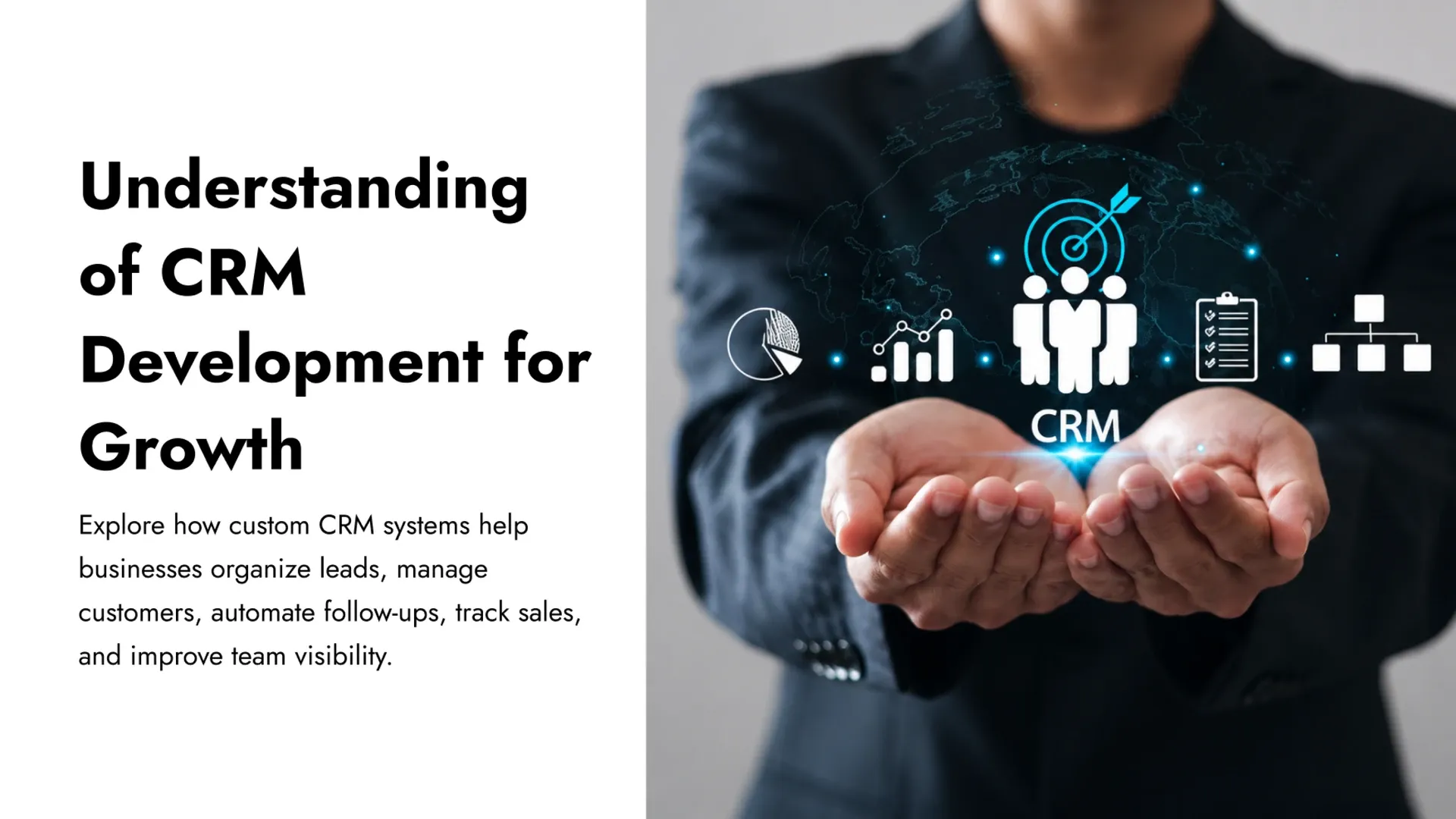
Learn how CRM development helps businesses manage leads, sales pipelines, customer data, follow-ups, automation, and reporting.
Most businesses don't lose deals because they're short on leads — they lose them because those leads live scattered across inboxes, spreadsheets, and sticky notes with nothing keeping track of what happens next. A solid CRM development guide usually starts with that exact observation: customer relationship management software exists to replace that scattered mess with one shared system that shows every rep exactly where a prospect or customer stands, without anyone having to ask around first.
Getting Every Lead Into One System, Automatically
A dependable lead management CRM strategy starts before a single deal even gets logged — it starts with making sure no inquiry can quietly slip through the cracks in the first place.
- Capturing leads automatically from web forms, calls, and inbound email instead of manual entry
- Tagging each lead with its source so marketing spend can be measured against real results
- Routing new leads to the right rep within minutes rather than days
- Flagging likely duplicate records before they fragment one prospect's history across two profiles
Designing a Pipeline That Matches How Deals Actually Close
Generic pipeline stages copied from a template rarely reflect how deals genuinely move through a specific business, and that mismatch is one of the most common reasons sales pipeline automation never gets fully adopted. Stages should mirror the real decision points a buyer passes through, not a generic list borrowed from someone else's sales process.
Pipeline Step | Manual Process | Automated CRM |
|---|---|---|
Qualifying a lead | Rep manually checks notes and email history | CRM surfaces lead score and source instantly |
Follow-up reminders | Tracked on sticky notes or personal calendars | Automatic reminders tied to each deal stage |
Handoff between reps | Verbal handoff, details often lost | Full deal history transfers with the record |
Keeping Customer Data in One Place, Not Five
Sales, support, and finance frequently end up working from three different versions of the same customer, each one slightly out of date the moment something changes elsewhere. Centralizing that record is what actually gives a CRM its value — not the software itself, but the fact that every team is finally looking at the same account history, the same open tickets, and the same last conversation.
A customer record split across five different tools isn't really one customer — it's five incomplete guesses stitched together after the fact.
That centralization pays off well beyond sales, feeding directly into the same business automation and ERP systems that keep inventory, support, and finance working from consistent numbers — a connection our ERP growth guide covers in more depth.
Automating the Follow-Ups Teams Keep Forgetting
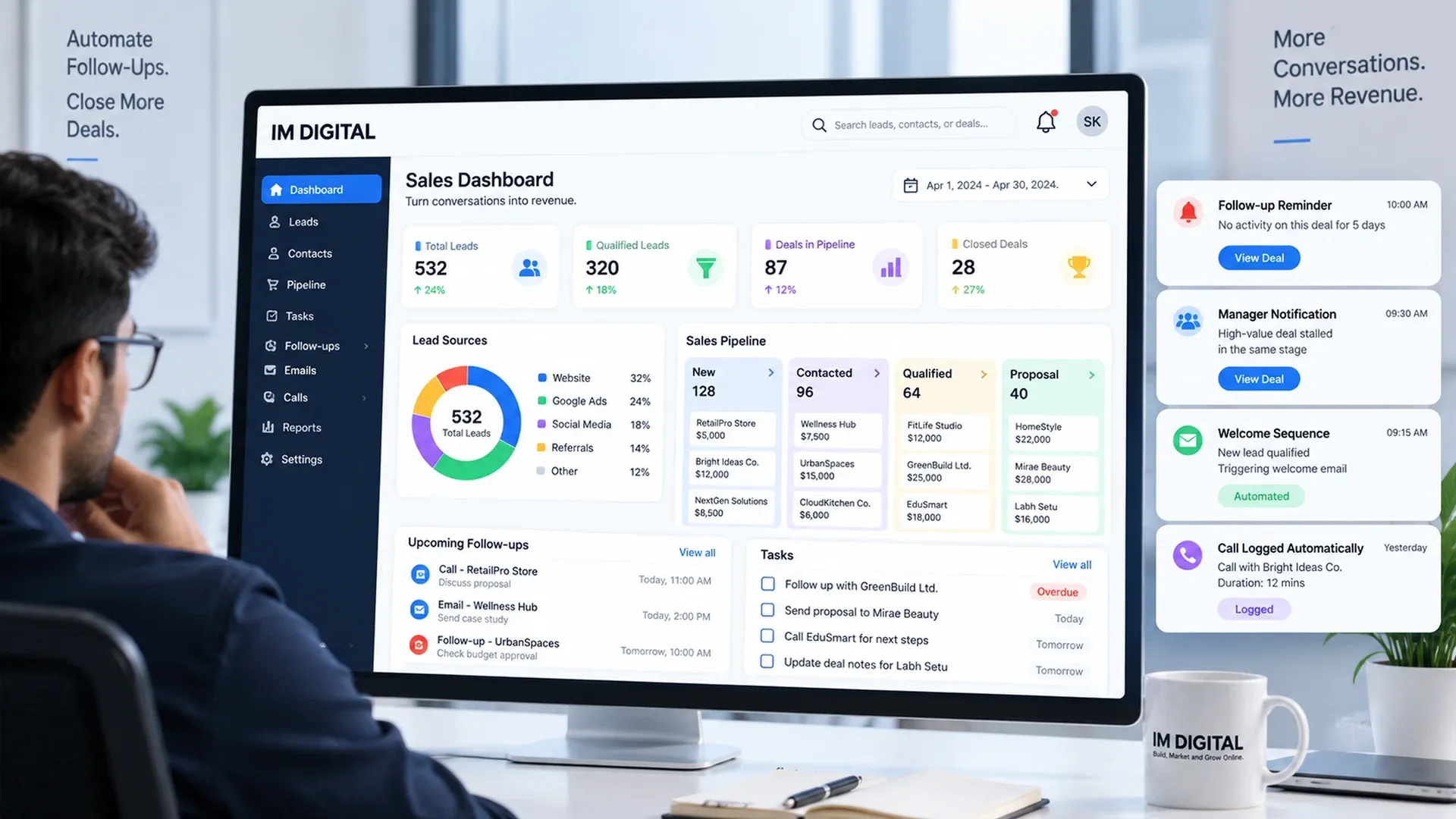
Even disciplined sales reps forget things when they're juggling forty open conversations, which is exactly the gap CRM automation is built to close.
- Send an automatic reminder when a deal has gone quiet for a set number of days
- Notify a manager when a high-value deal stalls in the same stage too long
- Trigger a welcome sequence the moment a lead is marked qualified
- Log every call and email against the deal automatically instead of relying on manual notes
Choosing Between an Off-the-Shelf CRM and a Custom Build
Off-the-shelf CRMs work well when a business's sales process looks close enough to the software's default assumptions, but plenty of businesses eventually hit a wall — a pipeline stage the platform can't represent, a report it can't generate, or an integration it doesn't support. That's usually the point where custom CRM development tips become more relevant than another workaround inside a rigid template, since a system genuinely built around a specific sales process removes friction that off-the-shelf software just can't.
CRM development works best when it starts from how leads actually enter a business, mirrors the pipeline reps genuinely follow, keeps every team looking at the same customer record, and automates the follow-ups that are easiest to forget. Businesses that get this foundation right find that sales and support finally run off the same information instead of competing versions of it. Once a CRM is capturing and organizing that activity reliably, our workflow automation guide covers how to extend that same automation to the rest of the business.