Get a Quote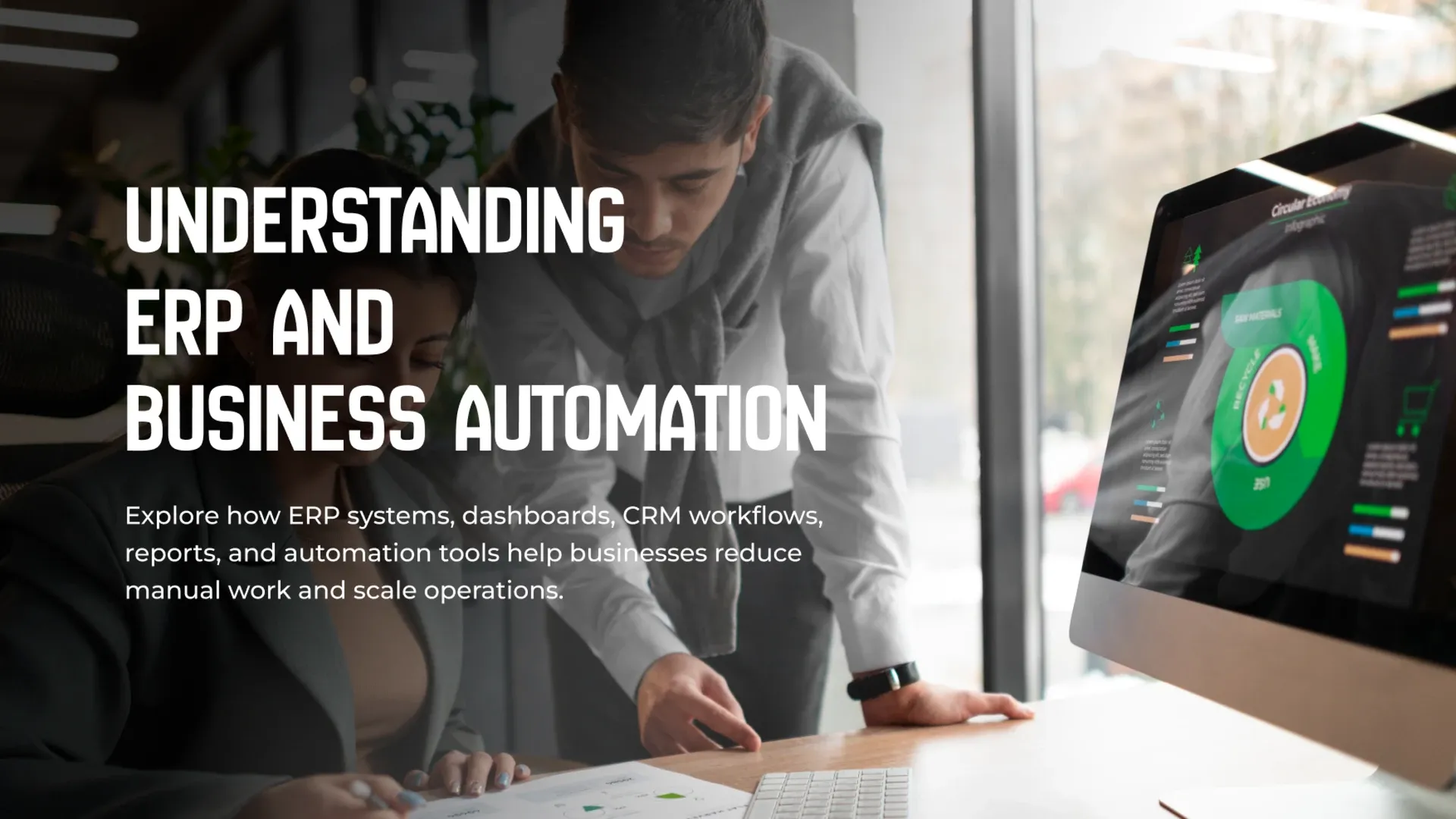
Learn how business automation and ERP systems improve operations, reporting, workflows, CRM, inventory, productivity, and decision-making.
As businesses grow, the spreadsheets, email chains, and manual processes that worked fine early on start to break down. Orders get missed, data lives in five different places, and decisions get made on outdated information. ERP systems and business automation exist to solve exactly this problem — replacing scattered manual work with connected systems that keep operations, data, and teams aligned as the business scales. The transition doesn't have to happen all at once, but delaying it too long usually means the eventual migration is bigger, messier, and more disruptive than it needed to be.
Signs a Business Has Outgrown Manual Processes
Several patterns tend to show up right before workflow automation for businesses becomes necessary:
- Teams re-entering the same data into multiple systems
- Reports that take days to compile instead of minutes
- Inventory or order errors caused by disconnected spreadsheets
- Decisions delayed because data isn't available in real time
What Changes When Operations Are Automated
The shift from manual processes to an integrated ERP system typically looks like this:
Process | Before Automation | After Automation |
|---|---|---|
Data Entry | Repeated across multiple tools | Entered once, shared everywhere |
Reporting | Manually compiled, delayed | Real-time dashboards |
Order Tracking | Spread across spreadsheets and emails | Centralized and auditable |
None of this requires automating everything at once — even automating one or two of the most painful workflows can noticeably reduce daily friction across an entire team. Real-time dashboards and centralized data like this depend on a solid backend tying every connected system together.
Choosing What to Automate First
Not every process deserves automation, and trying to automate everything at once is a common way ERP projects stall. The highest-impact starting points are usually processes that are repetitive, high-volume, and error-prone — order processing, invoicing, or inventory updates, for example — rather than tasks that are complex but infrequent. Some of these repetitive, language-heavy workflows are increasingly handled through AI integration rather than traditional rules-based automation alone. Starting with a focused, high-impact workflow builds momentum and provides a clear before-and-after comparison that makes the value of automation obvious to the rest of the business.

Getting Team Buy-In for New Systems
Even a well-designed ERP system can fail if the people expected to use it every day weren't part of the process.
Teams that have worked around a broken system for years often build informal habits and workarounds that a new tool doesn't account for.
If those habits get ignored during rollout, adoption suffers no matter how capable the software is. Involving the actual users — not just management — in defining requirements and testing early versions surfaces these issues before launch, rather than after teams have already quietly reverted to their old spreadsheets. A rollout that follows a deliberate sequence tends to succeed more often than one launched all at once:
- Involve frontline staff early, not just department leads
- Run a pilot with one team before a company-wide rollout
- Provide real training time, not just a one-off walkthrough
- Keep a feedback channel open during the first few months of use
Planning for Data Migration
Moving from scattered spreadsheets and legacy tools into a unified ERP system almost always means migrating existing data, and this step is frequently underestimated. Years of inconsistent naming, duplicate records, and outdated entries don't clean themselves up automatically during a migration — they get carried straight into the new system unless someone deliberately audits and reconciles the data first. Structured approaches like Microsoft's data migration guidance outline this process well. Treating data migration as a real project phase, with dedicated time for cleanup and validation, prevents a brand-new system from inheriting all the same data quality problems it was meant to fix.
Custom ERP software and business automation turn scattered, manual operations into connected workflows that scale with a growing business. By recognizing the signs of outgrown processes, understanding what automation actually changes, bringing teams along during the transition, and starting with the highest-impact workflows, businesses can modernize operations without disrupting the work that's already happening. For the workflows that involve heavier language or decision-making work, our AI integration guide covers where that technology fits in.