Get a Quote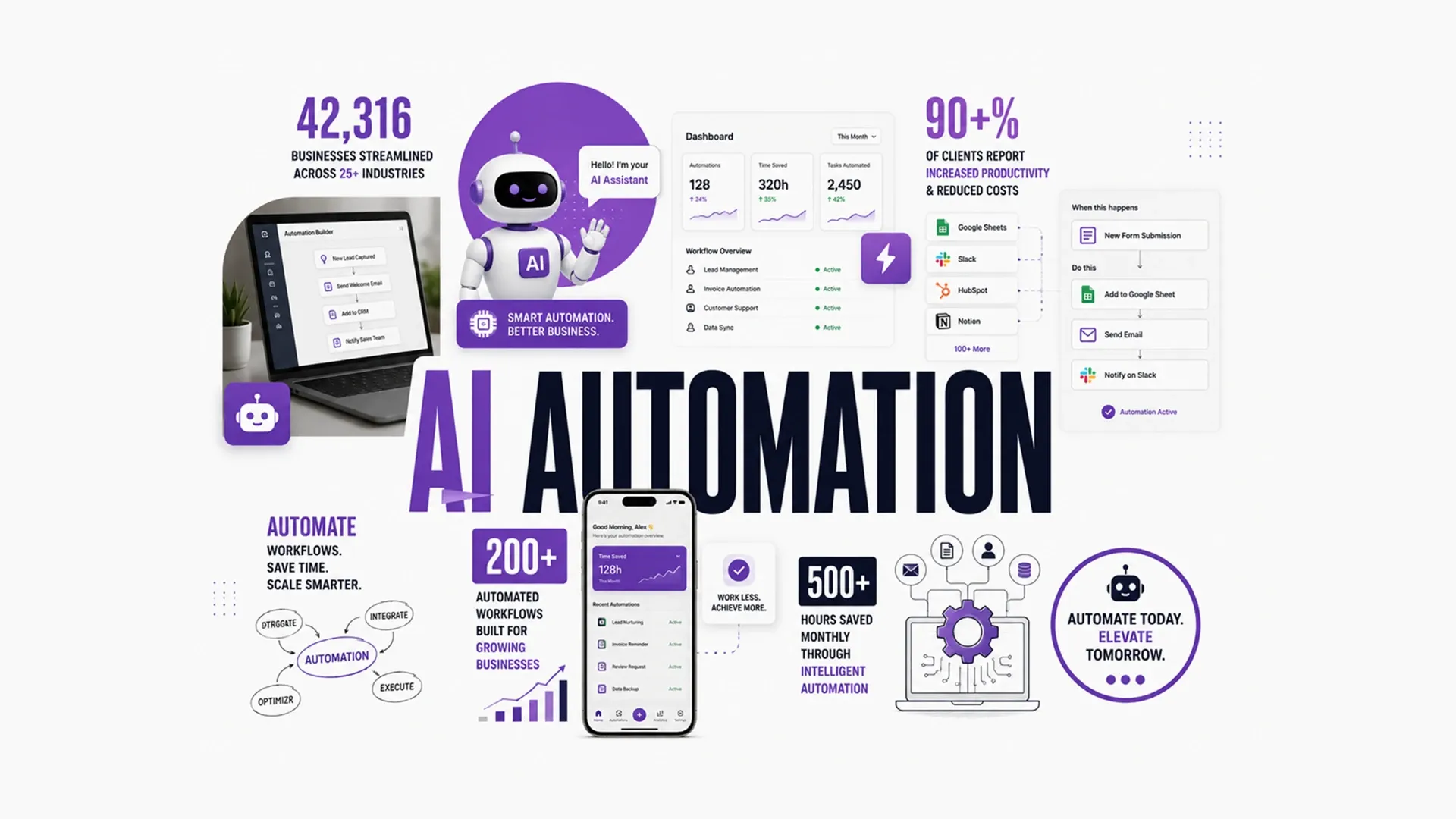
Learn how AI automation helps businesses use LLMs, workflow automation, AI chatbots, virtual assistants, smart systems, and data workflows.
Most businesses don't fail at AI automation because the technology doesn't work — they fail because they bolt AI onto a process nobody has clearly defined yet. A practical AI automation guide treats AI automation as three separate tools working together — language models, chatbots, and workflow automation — applied to a specific, well-understood problem, rather than a single feature to switch on. Treated this way, AI automation compounds instead of just adding one more disconnected feature to an already crowded stack of tools.
Where Large Language Models Actually Add Value
A solid AI chatbot and LLM strategy starts by identifying the handful of tasks that involve a large volume of reading, writing, or summarizing text — customer support replies, internal documentation search, or turning a long call transcript into three usable bullet points. Most integrations follow a similar pattern: send a prompt with relevant context, get a structured response back, and validate it before anything downstream acts on it.
- Customer support replies that answer common questions instantly
- Summarizing long documents, tickets, or call transcripts into a few usable lines
- Searching internal knowledge bases in plain language instead of exact keywords
- Extracting structured details, like dates or amounts, out of unstructured text
{
  "model": "gpt-4",
  "messages": [
    { "role": "user", "content": "Summarize this support ticket in one sentence." }
  ]
}
Automating Workflows Instead of Just Individual Tasks
One of the most useful AI workflow automation tips is to stop thinking in terms of single tasks and start thinking in terms of an entire process — the automation shouldn't just draft a reply, it should also route it, log it, and flag exceptions where it isn't confident. Our workflow automation guide covers the rule-based half of that process in more depth; AI simply takes over the steps that require actually reading or writing language rather than just moving data around. A support reply drafted by an LLM but never logged, routed, or reviewed is still, in practice, an unfinished workflow.
Letting Chatbots Handle the First Line of Contact
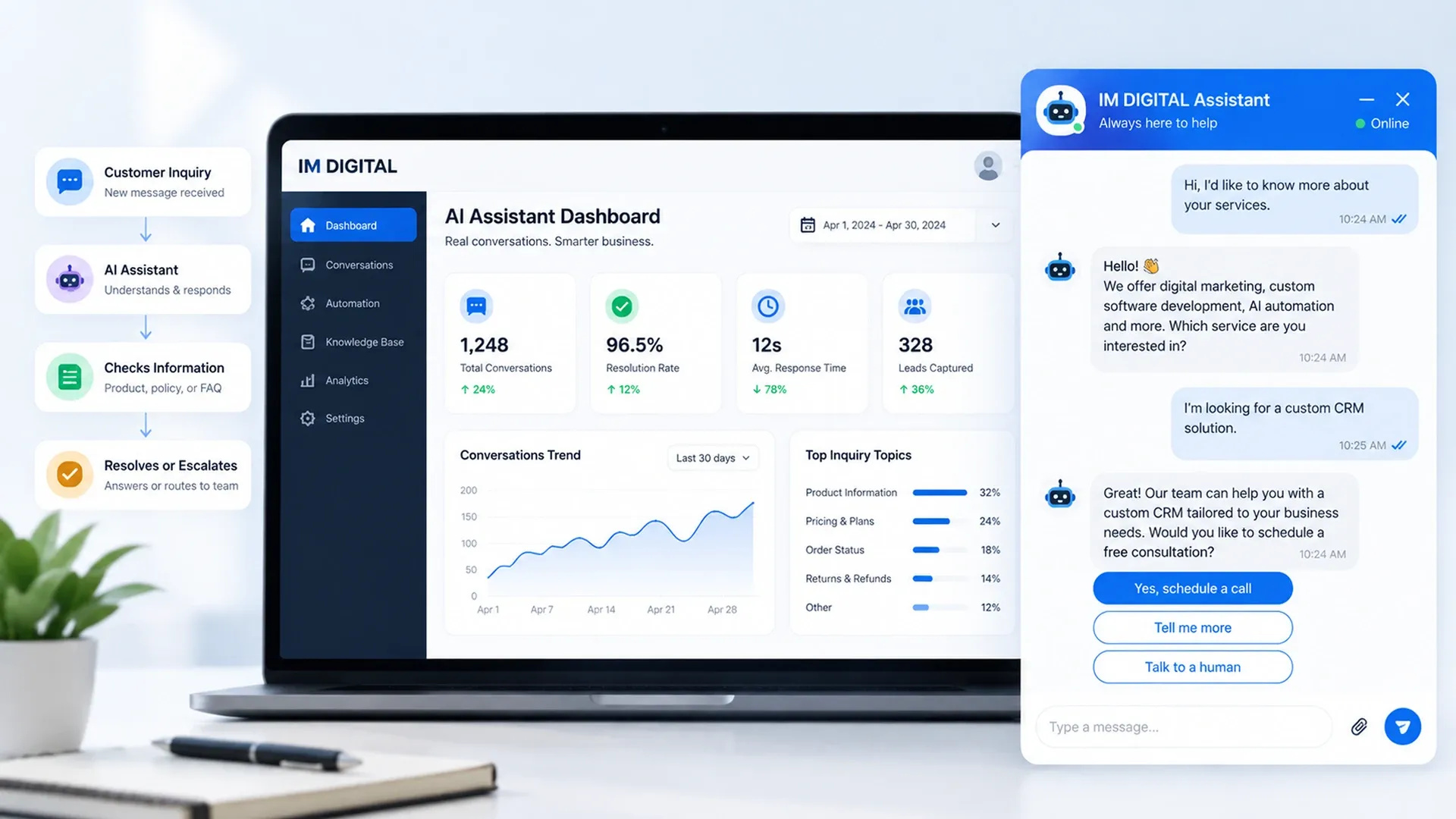
Chatbots remain the most visible example of AI automation in daily use, and for good reason — they resolve repetitive questions instantly and quietly qualify leads before a person ever joins the conversation. Our AI chatbots and virtual assistants guide covers exactly how that first line of contact should be designed.
Keeping AI Systems Accurate and Accountable
Language models sound confident even when they're wrong, a failure mode usually called hallucination, and treating every AI output as automatically correct is how businesses end up damaging trust instead of building it. Structuring safeguards around frameworks like the NIST AI Risk Management Framework — validating outputs, keeping a human in the loop for ambiguous cases, and logging interactions for review — keeps AI automation accountable instead of opaque.
An AI system nobody is allowed to question isn't automation — it's a black box wearing automation's name.
Measuring Whether AI Automation Is Actually Paying Off
AI automation for businesses should be judged the same way any other investment is — against concrete before-and-after numbers, not novelty. Tracking these numbers over a full quarter, rather than judging a pilot after a single week, gives a much more honest read on whether the investment is actually paying off.
Process | Manual | AI-Automated |
|---|---|---|
Support first response | Minutes to hours, business hours only | Instant, any time of day |
Document summarization | Read and summarized by hand | Drafted in seconds, reviewed by a person |
Lead qualification | Reviewed manually by a rep | Pre-qualified through conversation before handoff |
AI automation works best as a deliberate combination — language models for anything language-heavy, chatbots for first contact, and workflow automation tying it all to real systems, with clear guardrails holding the whole thing accountable. None of this requires overhauling every process at once — even automating one well-chosen workflow builds the case, and the confidence, for the next one. Businesses that build it this way, one well-defined problem at a time, end up with AI that quietly saves hours every week instead of a feature nobody trusts. For the CRM and sales side this automation eventually feeds into, our CRM development guide covers where that data ultimately lands.