Get a Quote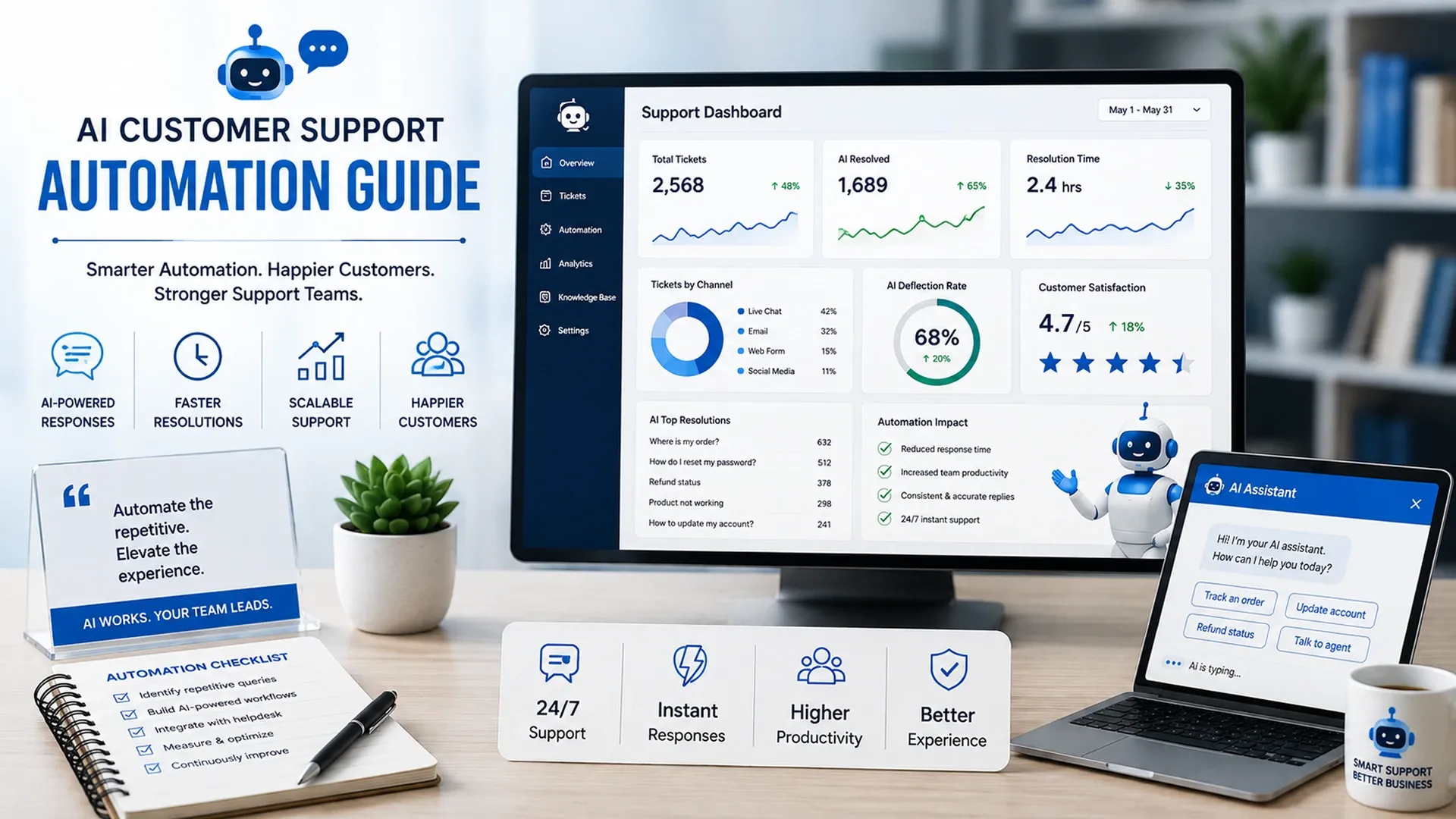
Learn how AI customer support automation uses chatbots, virtual assistants, FAQs, ticket workflows, CRM integration, and smart replies.
Support volume rarely grows in a straight line with headcount - a single product launch or seasonal spike can double ticket volume overnight while the support team stays the same size. A practical AI customer support automation guide treats that mismatch as the real problem to solve, not a reason to lower the quality bar on responses, especially as customer expectations for response speed keep climbing and a slow but polished response increasingly loses to a fast, merely adequate one in a customer's actual perception of the experience.
Answering the Questions That Repeat Constantly
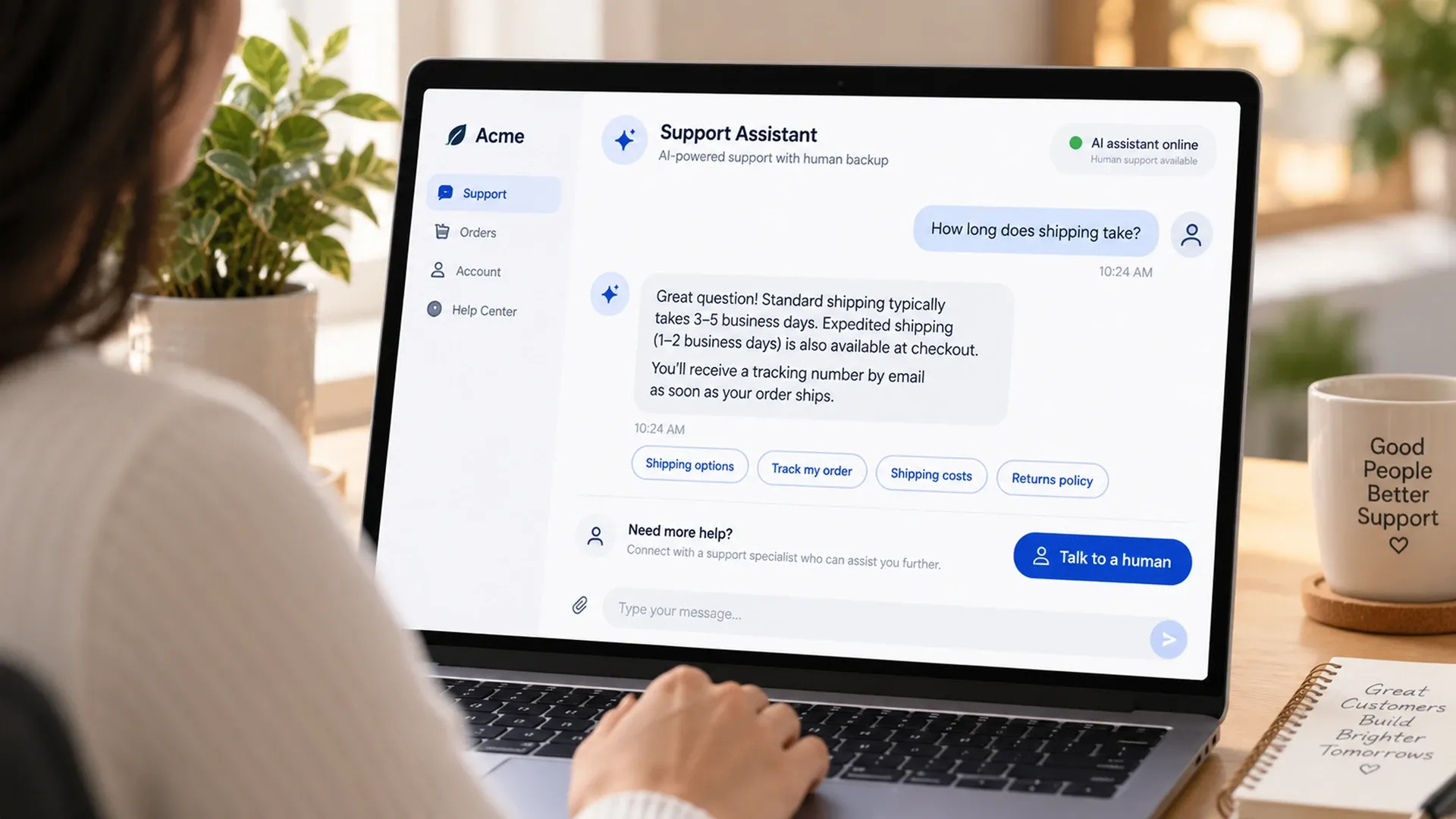
A large share of support tickets ask some version of the same handful of questions - shipping timelines, return policies, account setup - which makes them the obvious starting point for automation. Solid AI support chatbot tips focus on matching the brand's actual tone rather than sounding like a generic script, and being upfront about handing off to a human the moment a question falls outside what the bot actually knows, rather than guessing and hoping the answer happens to be close enough.
- Automated answers for the handful of questions that repeat most often
- A tone that matches the brand instead of reading like a generic script
- Clear handoff to a human the moment a question falls outside its scope
- Regular review of transcripts to catch questions the bot answers poorly
Grounding those automated answers in the business's actual documentation matters more than it might seem. A bot that generates a plausible-sounding but incorrect answer about a return policy causes more damage than simply saying it doesn't know and looping in a human - confidence without accuracy is worse than no automation at all.
Routing What the Bot Can't Handle
Not every ticket belongs with a bot, and customer service automation with AI works best when it's honest about that boundary. Requests that need judgment, empathy, or account-specific action should route to the right team quickly, carrying the full conversation context with them so the customer never has to explain the problem twice.
Billing disputes, cancellations, and anything touching an account's actual money are the clearest examples of tickets that belong with a person from the first message, regardless of how well an AI system might handle the surrounding conversation. The cost of getting one of those wrong outweighs whatever time the automation would have saved.
Connecting Support to Customer History
A support interaction improves considerably once the system responding actually knows who it's talking to - past orders, prior tickets, account status. A solid AI helpdesk automation strategy pulls that context from the same CRM already tracking the relationship elsewhere in the business, rather than starting every conversation from zero, which is exactly the kind of blank-slate experience that makes a returning customer feel like a stranger to a business they've already bought from twice.
The fastest way to frustrate a customer is making them repeat themselves to a system that's supposed to already know.
Resolution rate and customer satisfaction scores matter more here than raw ticket volume handled, since a bot that closes tickets quickly but leaves customers unsatisfied is solving the wrong problem. Tracking both together keeps the automation honest about whether it's actually helping.
Where AI Support Fits Alongside Broader Automation
AI support automation rarely stands alone - it usually sits alongside the same business process automation handling approvals and data movement elsewhere in the business, and it often grows over time into something closer to a full AI agent capable of actually resolving a request rather than just answering a question about it, a natural next step once the FAQ and routing layers described above are running reliably.