Get a Quote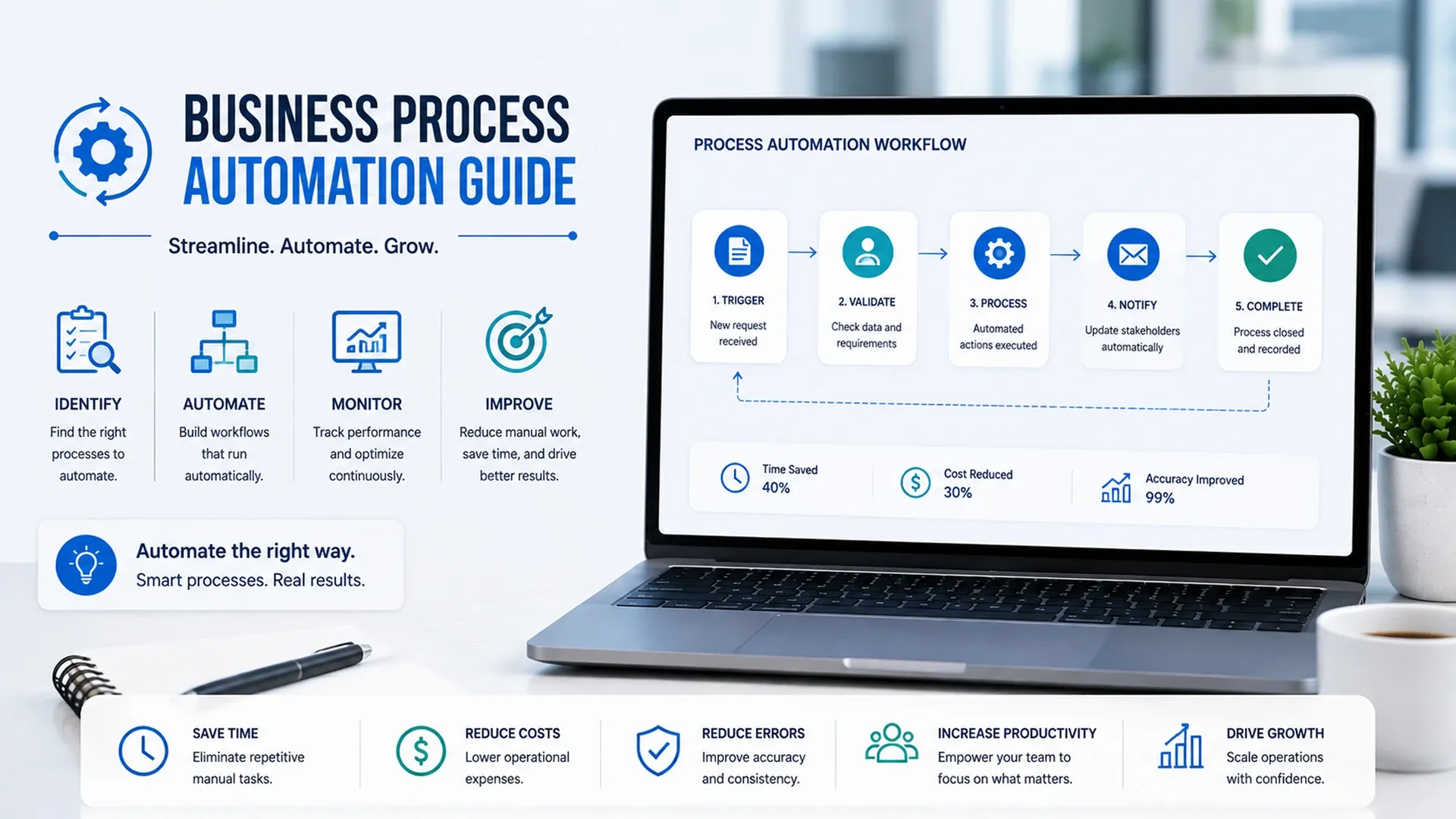
Learn how business process automation improves operations, approvals, CRM workflows, data movement, notifications, reporting, and productivity.
Every business has at least a handful of processes that run the same way every single time yet still require someone to manually push them through each step - approvals stuck in someone's inbox, data copied from one spreadsheet into another, follow-ups tracked on sticky notes. A grounded business process automation guide starts by naming those processes honestly, since automating the wrong one wastes effort just as easily as automating the right one saves it, and automation only removes manual work - it doesn't fix a process that was broken to begin with.
Finding the Processes Worth Automating First
Not every repetitive task deserves automation right away - the ones worth prioritizing are high-volume, rule-based, and prone to human error when done manually at scale. A sound process automation strategy starts by mapping where time actually goes and where delays or mistakes recur most often, rather than automating whatever process happens to be top of mind.
- High-volume tasks where small time savings add up fast across repetitions
- Rule-based decisions that don't actually require human judgment
- Steps where delays currently cause the most visible frustration
- Processes prone to manual error when the same data gets re-entered by hand
Starting with a single pilot process rather than automating five things at once tends to work better in practice. A narrow, visible win builds the internal confidence needed to expand automation further, while a bungled attempt at automating everything simultaneously tends to sour a team on the whole idea.
Automating Approvals and Handoffs
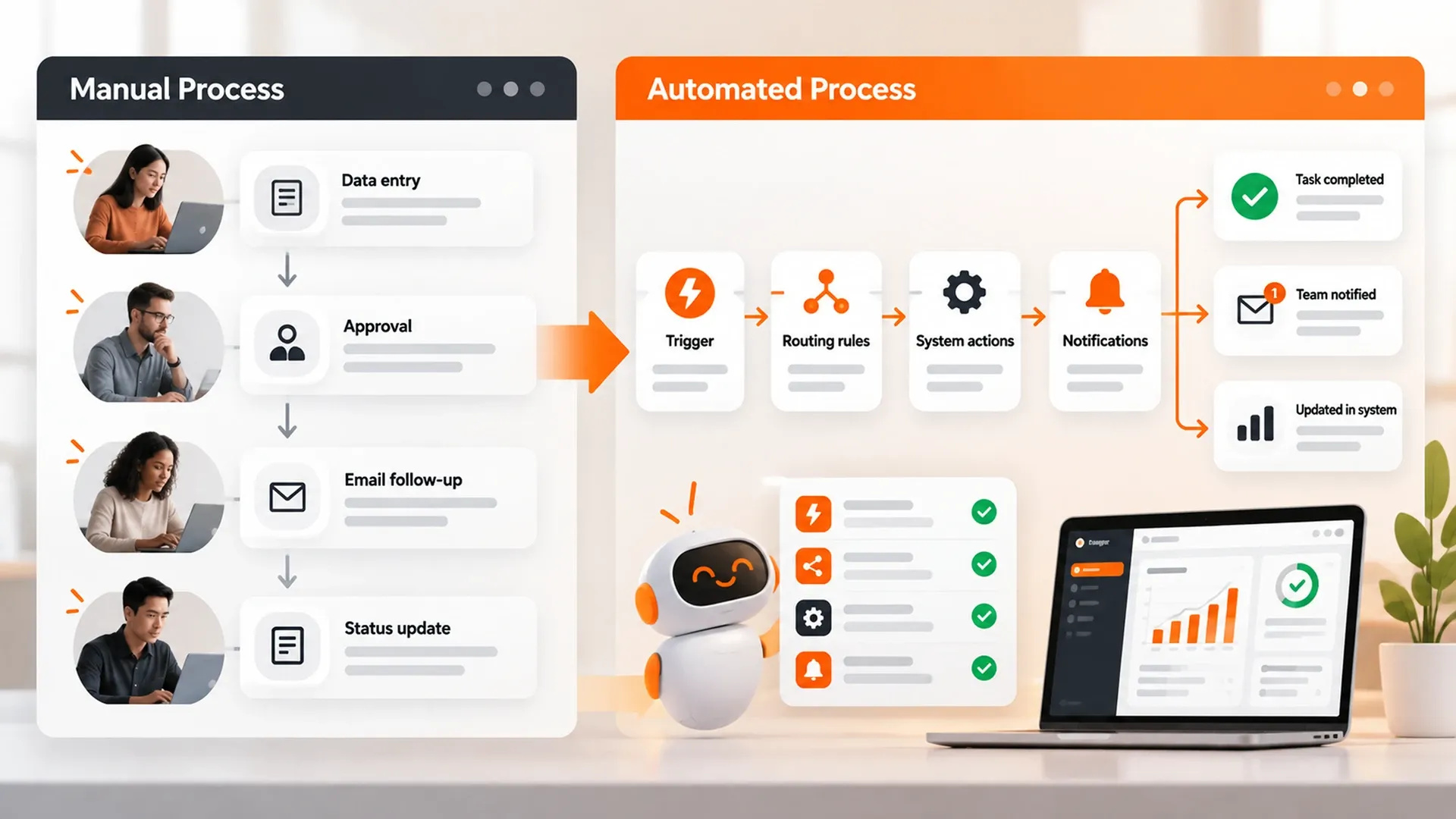
Approvals are one of the most common places automation pays off immediately, since a request sitting in someone's inbox for two extra days rarely reflects an actual decision - it just reflects the fact that nobody was prompted to look at it. Practical business automation tips usually start with a simple rule-based trigger like the one below, which notifies the right person and creates a follow-up task the moment a deal reaches a specific stage.
trigger: deal_stage_changed
condition: new_stage == "contract_sent"
actions:
  - notify: sales_manager
  - create_task: "Follow up in 3 days"
  - update_field: { last_activity: now() }
Notifications deserve some restraint too - an automation that pings a manager for every minor update quickly gets muted or ignored altogether, which defeats the purpose. The most effective triggers fire only at genuinely meaningful moments, not every time a record changes in any way.
Moving Data Between Systems Without Manual Re-Entry
The second most common source of manual busywork is moving the same piece of data between two systems that don't talk to each other on their own. Real workflow and process automation closes that gap through the same connections our API integration guide covers, so a number entered once in a CRM shows up automatically in a dashboard without anyone retyping it, and without the small transcription errors that creep in every time a number gets copied by hand from one screen to another.
Every manual re-entry of the same data is a chance for it to quietly become wrong.
CRM-specific automation tends to be one of the highest-leverage places to start, since lead follow-ups, deal handoffs, and renewal reminders are exactly the kind of high-volume, rule-based work a CRM already has the data to trigger on its own, without needing a person to remember to check.
Measuring Whether Automation Actually Helped
Automation is only worth the investment if it's actually measured afterward - hours saved, errors reduced, or how much faster a process now moves from start to finish. Businesses that get this foundation right often find their next step is giving some of these automated workflows real judgment, which is exactly the territory our AI agent development guide picks up, once a business is ready to hand some judgment calls to a system rather than just a fixed set of rules.