Get a Quote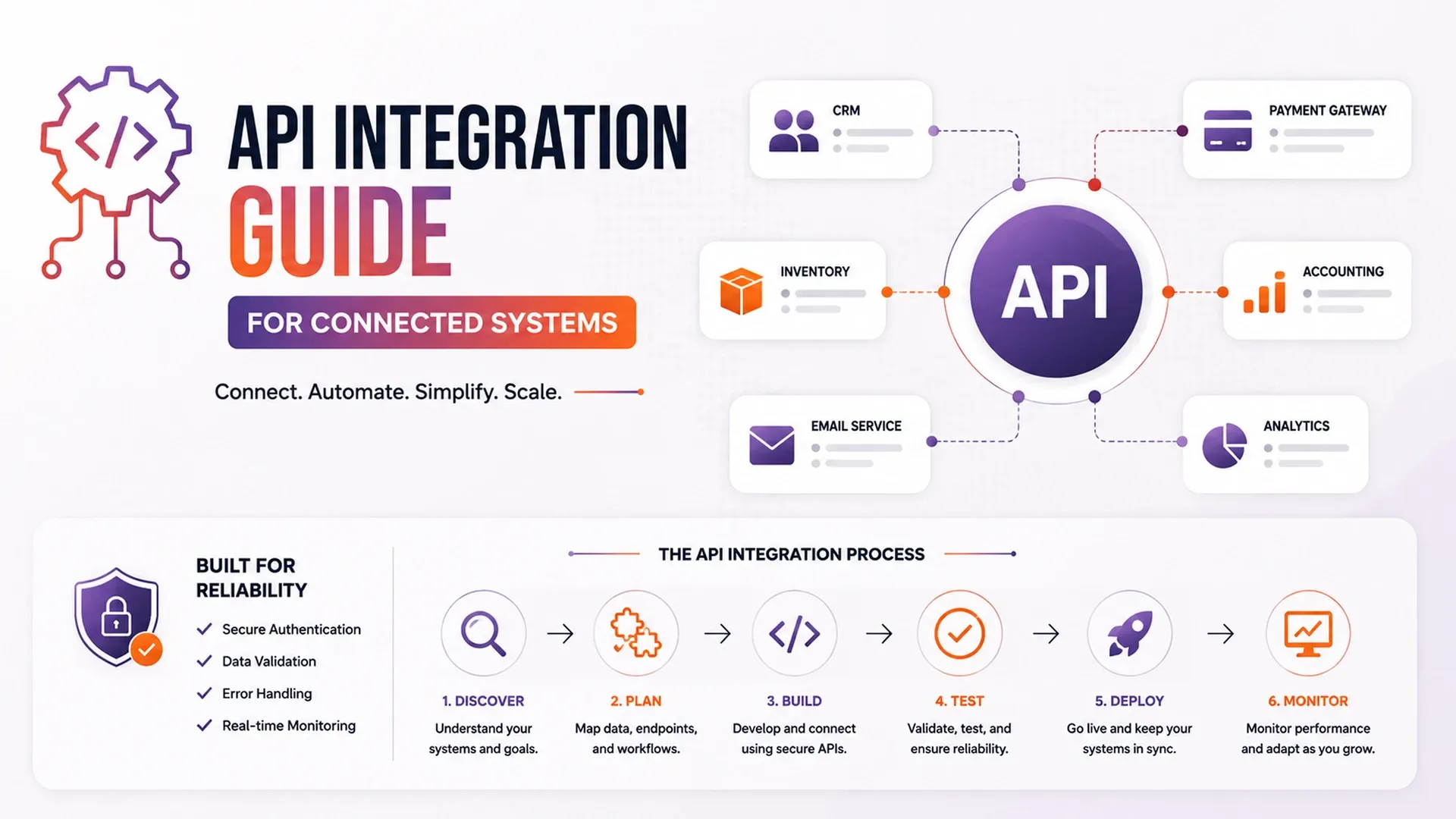
Learn how API integration connects websites, apps, CRMs, ERPs, payment gateways, dashboards, automation tools, and business data.
Most businesses run on a stack of separate tools - a CRM, an accounting platform, a payment processor, maybe an inventory system - and none of them talk to each other by default. A practical API integration guide treats that gap as the actual project: not just getting two systems to exchange data once, but keeping them in sync reliably as both sides change over time, since an integration that works perfectly on day one can quietly break the moment either vendor pushes an update to their API.
What Counts as a Reliable Integration
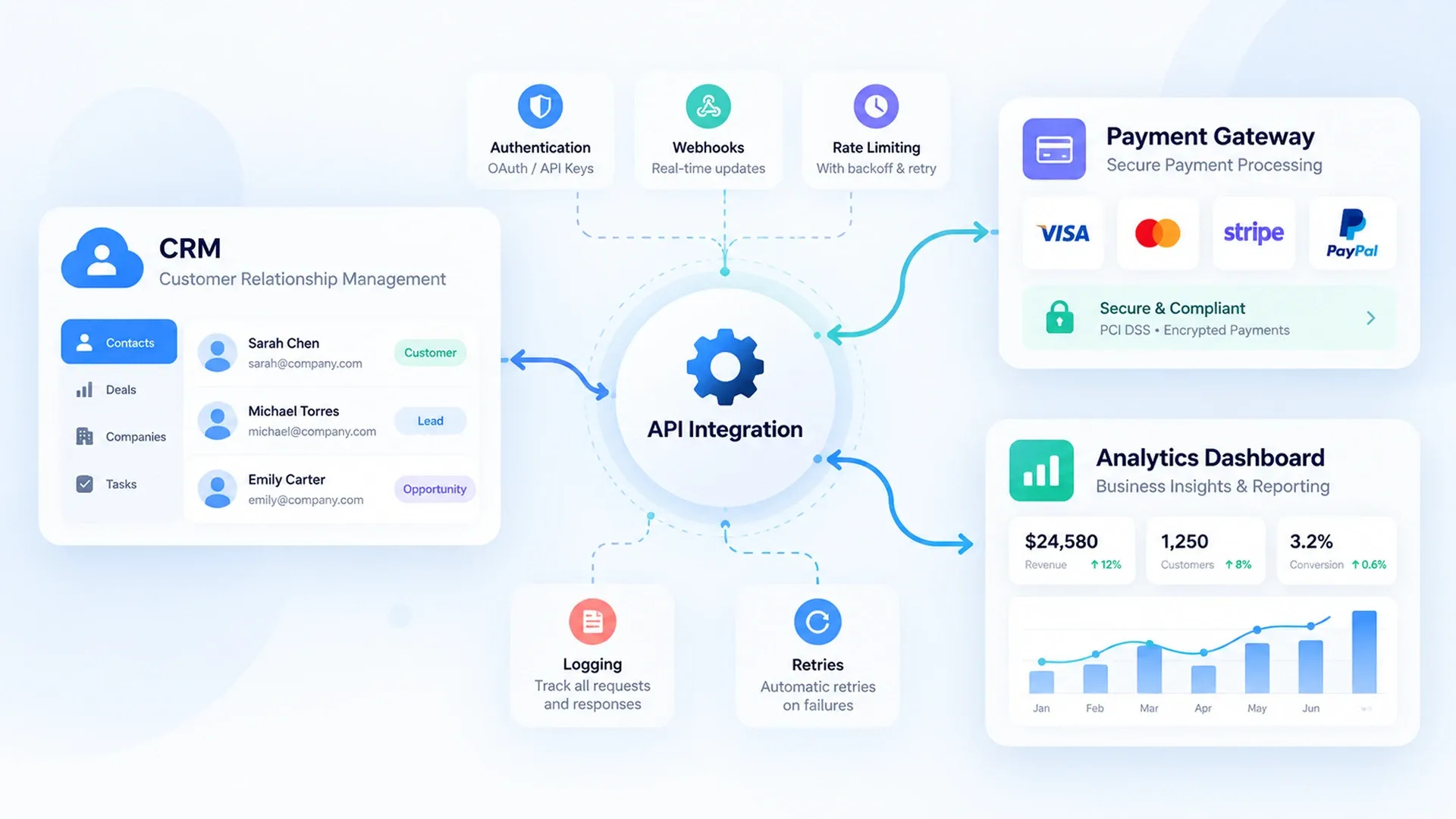
It's easy to connect two systems well enough to demo; it's harder to keep that connection working once real traffic, rate limits, and edge cases show up. Solid third party API integration tips treat authentication, error handling, and logging as first-class parts of the build, not afterthoughts added once something breaks in production.
- Authentication handled through proper tokens or OAuth, not hardcoded credentials
- Rate limits respected with backoff instead of retrying aggressively
- Failed requests logged and retried automatically where it's safe to do so
- A clear record of what data moved, when, and whether it succeeded
Two broad patterns dominate how that data actually moves - polling, where a system periodically checks another for changes, and webhooks, where the source system pushes an update the instant something happens. Webhooks tend to feel more real-time and put less strain on both systems, but they also require somewhere reliable to receive them and a plan for what happens if that endpoint is briefly unreachable.
Connecting CRMs, ERPs, and Payment Systems
Some integrations matter more than others simply because of what flows through them. A CRM API integration guide usually covers syncing leads and deal data bidirectionally with a CRM, while payment and ERP integrations carry the added weight of needing to be right every single time, not just most of the time, since a payment that silently fails to record or a stock level that quietly drifts out of sync causes damage well beyond the technical inconvenience of a failed API call.
await fetch('https://api.examplecrm.com/v1/leads', {
  method: 'POST',
  headers: {
    'Authorization': `Bearer ${CRM_TOKEN}`,
    'Content-Type': 'application/json'
  },
  body: JSON.stringify({
    name: lead.name,
    email: lead.email,
    source: 'website-form'
  })
});
Idempotency deserves a mention here too - a request retried automatically after a timeout should never create a second duplicate lead or a second duplicate charge. Well-designed integrations use a unique reference ID on each request so a retry gets recognized as the same action rather than a brand new one.
Designing Integrations That Don't Break Silently
The riskiest integrations aren't the ones that fail loudly - they're the ones that quietly stop syncing and nobody notices for weeks. A sound custom API integration strategy builds in monitoring and alerting from the start, so a broken connection surfaces as a notification instead of a customer complaint about missing data, ideally hours before anyone downstream even notices something's off.
An integration that fails silently is worse than one that never existed - nobody notices until the data's already wrong.
APIs also change over time - a vendor deprecates an old version, renames a field, or tightens a rate limit without much warning. Building integrations against versioned endpoints and keeping an eye on a provider's changelog turns those changes into a scheduled update instead of a surprise outage.
Turning Connected Data Into Automation
Once systems are reliably connected, the same data that flows between them can trigger real automation - a new CRM lead creating a task, a low-stock alert notifying a supplier, a completed order updating a dashboard in real time. That's usually the point where integration work turns into full business process automation, and where a custom dashboard finally has trustworthy data to display, closing the loop between systems that used to require someone manually checking three different tabs to answer one simple question.