Get a Quote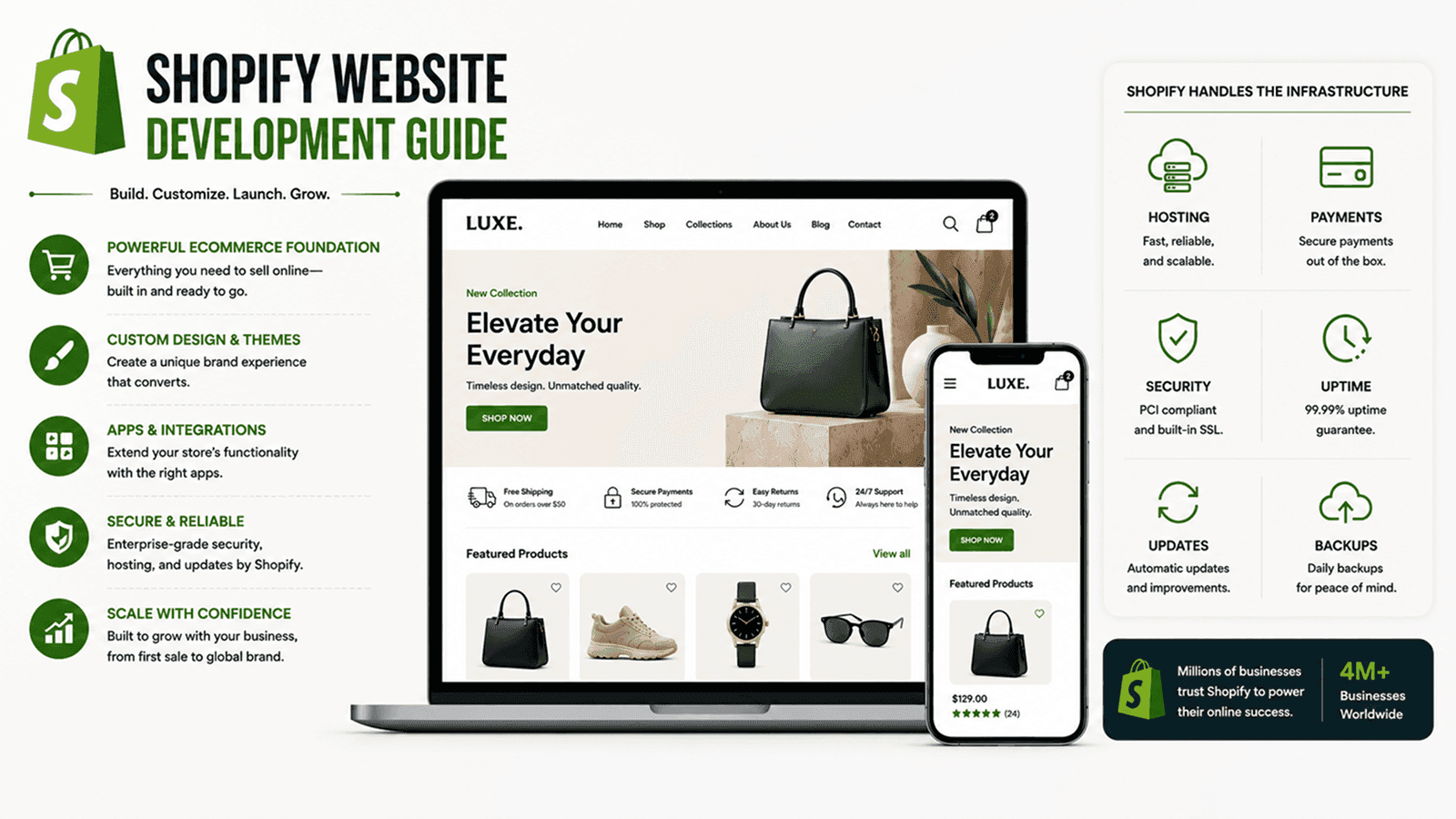
Learn how Shopify website development helps ecommerce brands launch stores, manage products, optimize checkout, integrate apps, and grow sales.
Shopify's biggest appeal isn't really the platform itself - it's how much of ecommerce infrastructure it hands a business on day one, so the real work shifts to configuring it well. A useful Shopify website development guide treats that trade-off honestly: Shopify handles hosting, payments, and security, but the store's actual performance still comes down to theme choices, app decisions, and setup discipline, not the platform's reputation alone.
Choosing and Customizing a Theme
A theme sets the ceiling for how a Shopify store looks and feels, and a smart Shopify website design strategy starts by choosing one that matches the brand's actual layout needs rather than picking whatever looks best in a demo store. Sections and blocks then get customized with real product photography, brand fonts, and colors instead of leaving the default template copy in place.
- A theme chosen for layout flexibility, not just visual polish in the demo
- Sections and blocks configured with real brand fonts, colors, and imagery
- Mobile theme preview checked before launch, not just desktop
- Page speed tested with the final theme, not the lightweight demo version
Consistency matters more here than most brands expect. A theme customized to match packaging, social profiles, and paid ad creative reads as considerably more trustworthy than one that merely uses the right brand colors while everything else about the layout still looks like an unedited stock demo.
[Image: A Shopify store's theme editor showing sections and blocks being customized for a brand]
Setting Up Collections, Products, and Checkout
Behind the visual layer, a Shopify store setup guide covers the less glamorous configuration work - collection rules, product variants, tax settings, and Shopify Payments - that determines whether the store actually runs smoothly once real orders start coming in, long after the initial launch excitement has worn off.
Checkout itself is one area Shopify intentionally locks down; customizing it beyond what themes and apps allow generally requires Shopify Plus. Brands that need deeper custom logic in their checkout or catalog rules than standard Shopify supports are often better served starting from our ecommerce development guide instead.
Extending the Store With Apps
Shopify's app marketplace covers almost every feature a standard theme doesn't - reviews, upsells, email capture, loyalty programs - and that's exactly where good Shopify ecommerce development tips start mattering. Each app adds a little more script weight to every page, so the right approach is choosing a handful of apps that earn their place rather than installing one for every idea that comes up in a meeting.
A handful of categories tend to earn their spot regardless of the store - reviews and social proof, abandoned cart recovery, and basic email capture - while more specialized apps for subscriptions or product bundling are worth adding only once the core store is proven to convert reliably on its own.
The fastest way to slow down a Shopify store is to solve every problem with another app.
Shopify vs a Fully Custom Build
Neither path is universally right - the better fit depends on how far a catalog's rules stretch beyond what Shopify's defaults expect, and how much long-term control over checkout and business logic actually matters to the business.
Consideration | Shopify Website Development | Fully Custom Ecommerce |
|---|---|---|
Launch speed | Faster, built on existing infrastructure | Slower, everything built from scratch |
Catalog complexity | Best for standard products and variants | Handles complex pricing and B2B rules |
Checkout flexibility | Limited without Shopify Plus | Fully customizable checkout logic |
Ongoing cost | Predictable monthly platform fee | Higher upfront, more control long-term |
Optimizing for Shopify SEO and Speed
Shopify SEO has its own quirks - collection metafields, image alt text, and app bloat all affect how well a store ranks and how fast it loads according to Core Web Vitals benchmarks, sometimes more than the content itself does. Stores just getting their broader online presence in order might also want to revisit our website development fundamentals, since much of what makes a business site rank well applies to Shopify's own pages just as much, particularly the basics around page titles, heading structure, and genuinely useful on-page content.