Get a Quote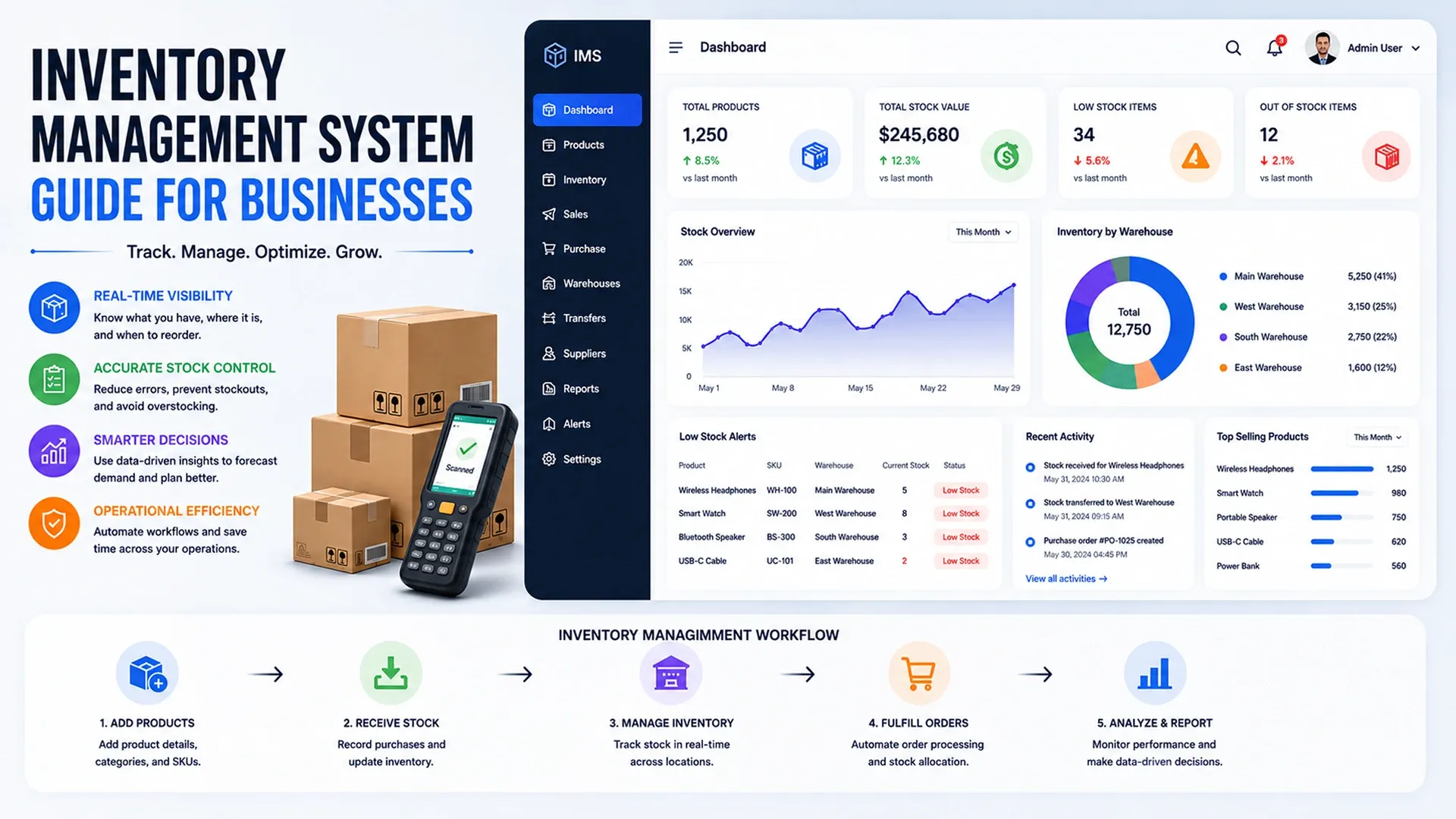
Learn how inventory management systems help businesses track stock, manage orders, warehouses, alerts, reports, and operational workflows.
Spreadsheets can track inventory for a while, right up until a business has more than one warehouse, more than one sales channel, or more than a handful of fast-moving SKUs. A practical inventory management system guide usually starts by naming that exact tipping point - the moment stock counts stop being a formatting problem and start being a real operational risk, one that shows up as stockouts, overselling, or cash quietly tied up in the wrong products.
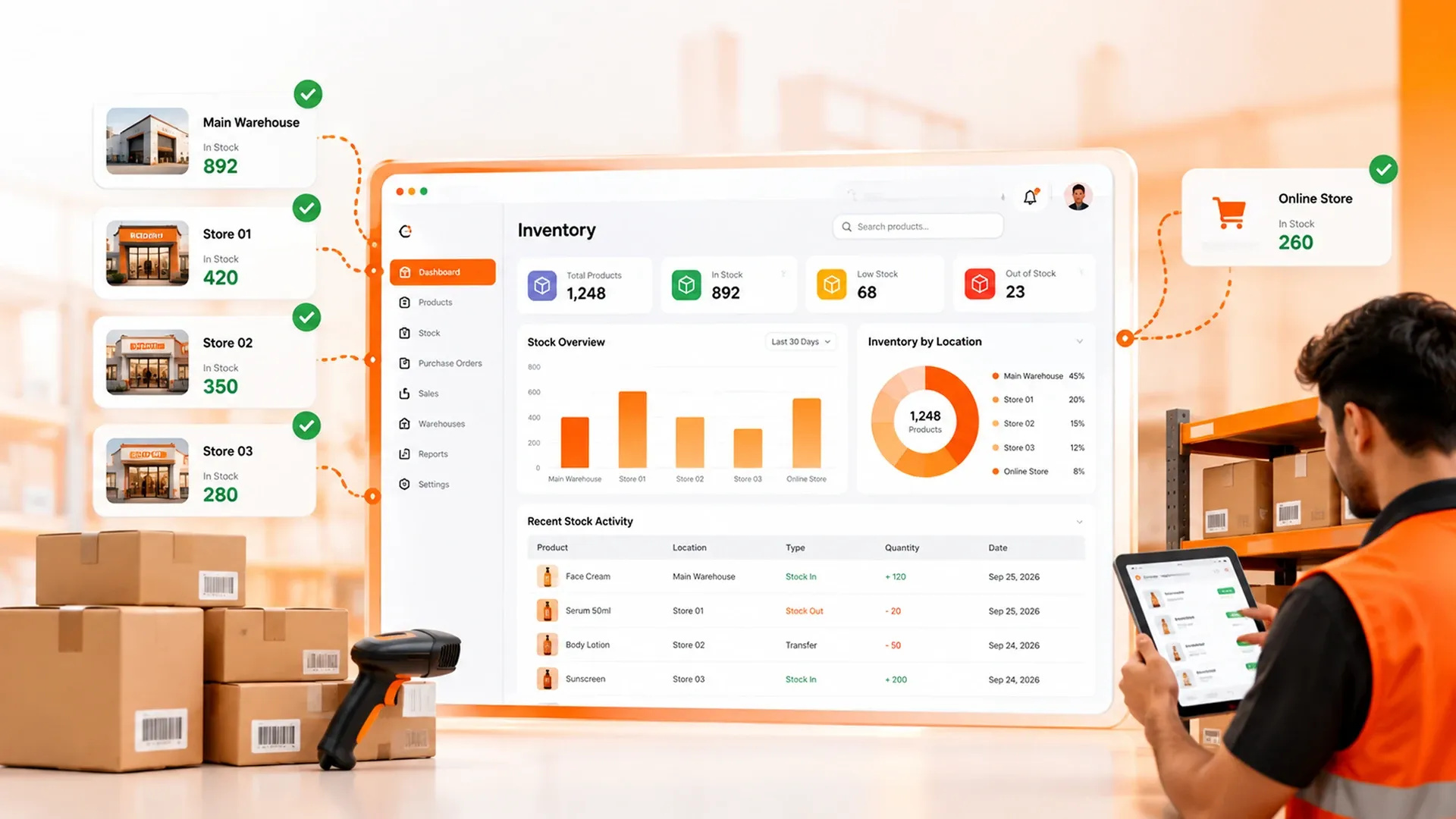
Tracking Stock Accurately Across Locations
Accuracy is the entire point of an inventory system, and a solid stock management system strategy treats every warehouse, storeroom, and sales channel as one connected count rather than several separate ones that happen to get reconciled at month-end.
- Real-time stock counts instead of counts frozen at last week's manual audit
- Batch and lot tracking for products with expiry dates or serial numbers
- One inventory view across every warehouse, not a spreadsheet per location
- Automatic sync between physical stock and every sales channel it feeds
Barcode and RFID scanning remove much of the human error that creeps into manual counts, since a scanned unit either matches the system or it doesn't. There's no ambiguity the way there is when someone eyeballs a shelf and rounds to the nearest convenient number.
Connecting Inventory to Orders and Fulfillment
Stock counts only matter if they're actually connected to what's happening on the sales side - an order placed on a storefront should reduce available stock immediately, not after someone updates a spreadsheet at the end of the day, by which point three other orders may have already been promised the same unit. That same accuracy problem shows up from the other direction too, which our ecommerce development guide covers from the storefront side of the equation.
Returns complicate the picture further - a returned item needs to reappear in available stock only once it's actually been inspected and restocked, not the moment a customer clicks the return button on their end, or the numbers drift out of sync again almost immediately.
Automating Alerts Before Stock Runs Out
Running out of a fast-moving product is rarely a surprise in hindsight - the warning signs were usually sitting in the data well before the shelf actually emptied. Good custom inventory software tips lean on automated reorder alerts tied to real sell-through rates rather than a fixed number someone picked once and never revisited, since a threshold that made sense during a slow month can be dangerously wrong during a seasonal spike.
The best inventory system is the one that flags a problem before a customer notices it first.
Turning Stock Data Into Reports Leadership Can Use
Beyond day-to-day tracking, inventory data becomes genuinely useful once it's visualized - which products are moving, which are sitting dead, and how inventory turnover shifts over a season. That reporting layer usually lives in a custom dashboard built to sit on top of the inventory system rather than as an afterthought.
Seasonal patterns matter just as much as day-to-day numbers. A product that barely moves for ten months but sells out reliably every December needs a reorder strategy built around that pattern, not a generic rule applied uniformly across the entire catalog.
Deciding Between Off-the-Shelf and Custom Systems
Generic inventory tools work fine for simple, single-channel operations, but a warehouse inventory software guide built specifically around a business's actual workflow becomes worth it once that business is juggling multiple warehouses, several sales channels, or industry-specific tracking rules a generic tool can't express. Getting the different systems talking to each other reliably - POS, ecommerce, accounting - comes down to the same groundwork our API integration guide covers in more detail, since a warehouse system that can't talk to the tools around it just becomes one more spreadsheet with extra steps.